Free guide · web + PDF
5 Fixes to Try Before You Waste Another 3D Print
Just got a filament printer and a print went wrong? Here are five common problems, each with a simple drawing, three easy things to check and what to do if it keeps happening.
Get all five fixes, free
One email address unlocks the whole guide and the matching PDF.
The five fixes
What's inside
Five problems lots of people run into when they're starting out.
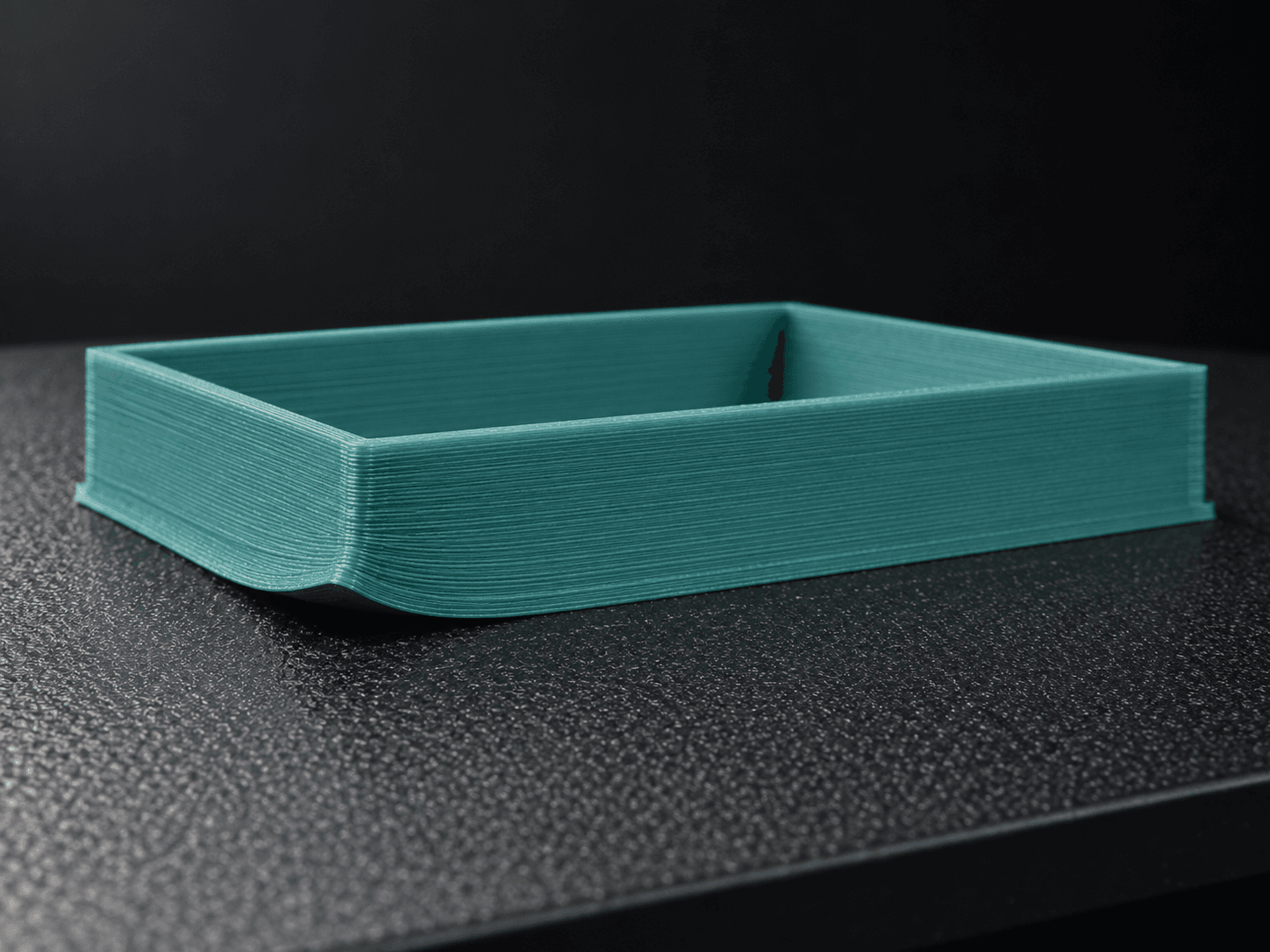
Print won't stick to the plate
The edges or corners curl up, or the first lines look loose and stringy instead of a smooth flat layer.
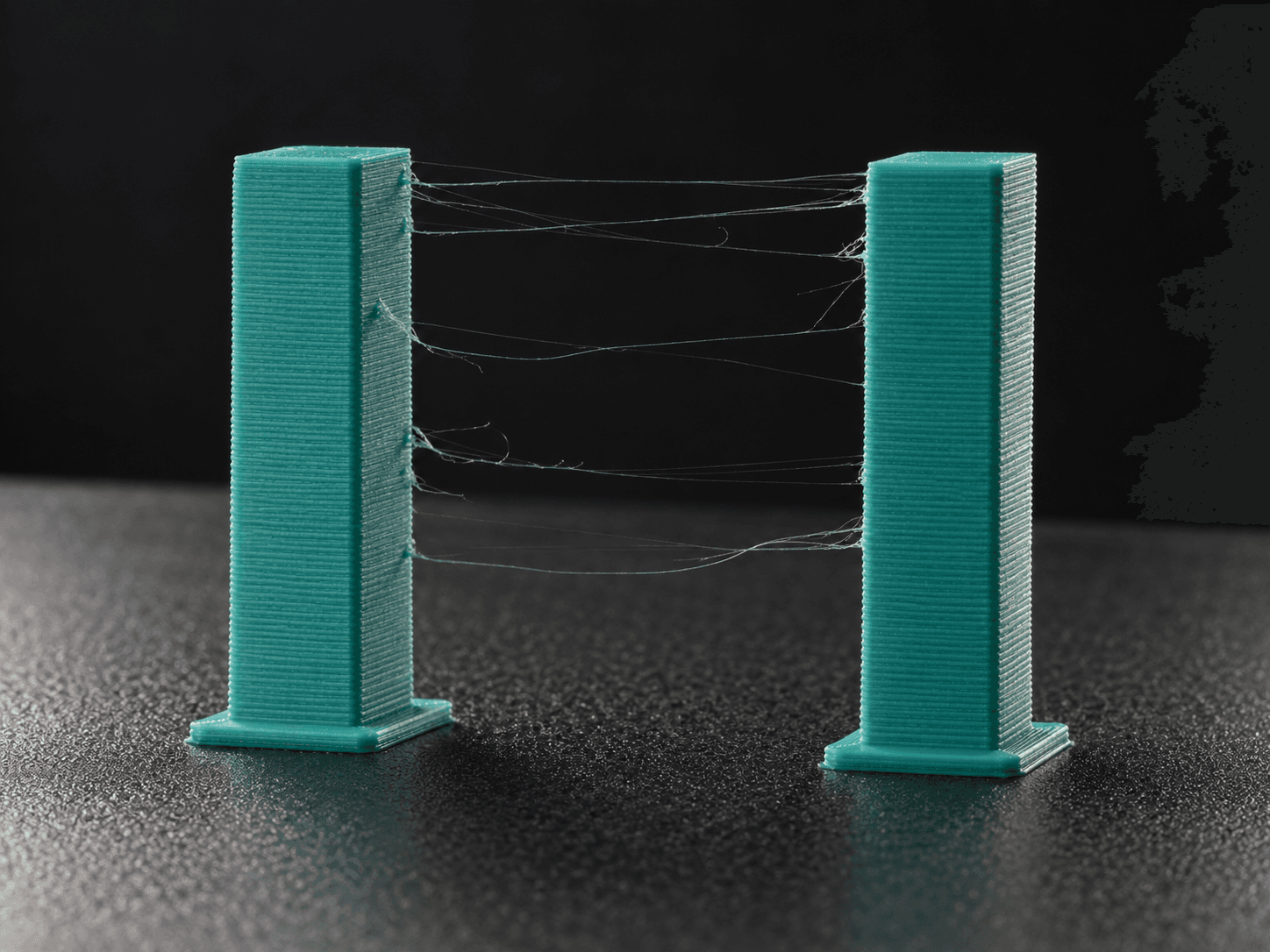
AI-generated illustration Hairy strings everywhere
Thin wispy hairs stretch between parts of your print, a bit like cobwebs.
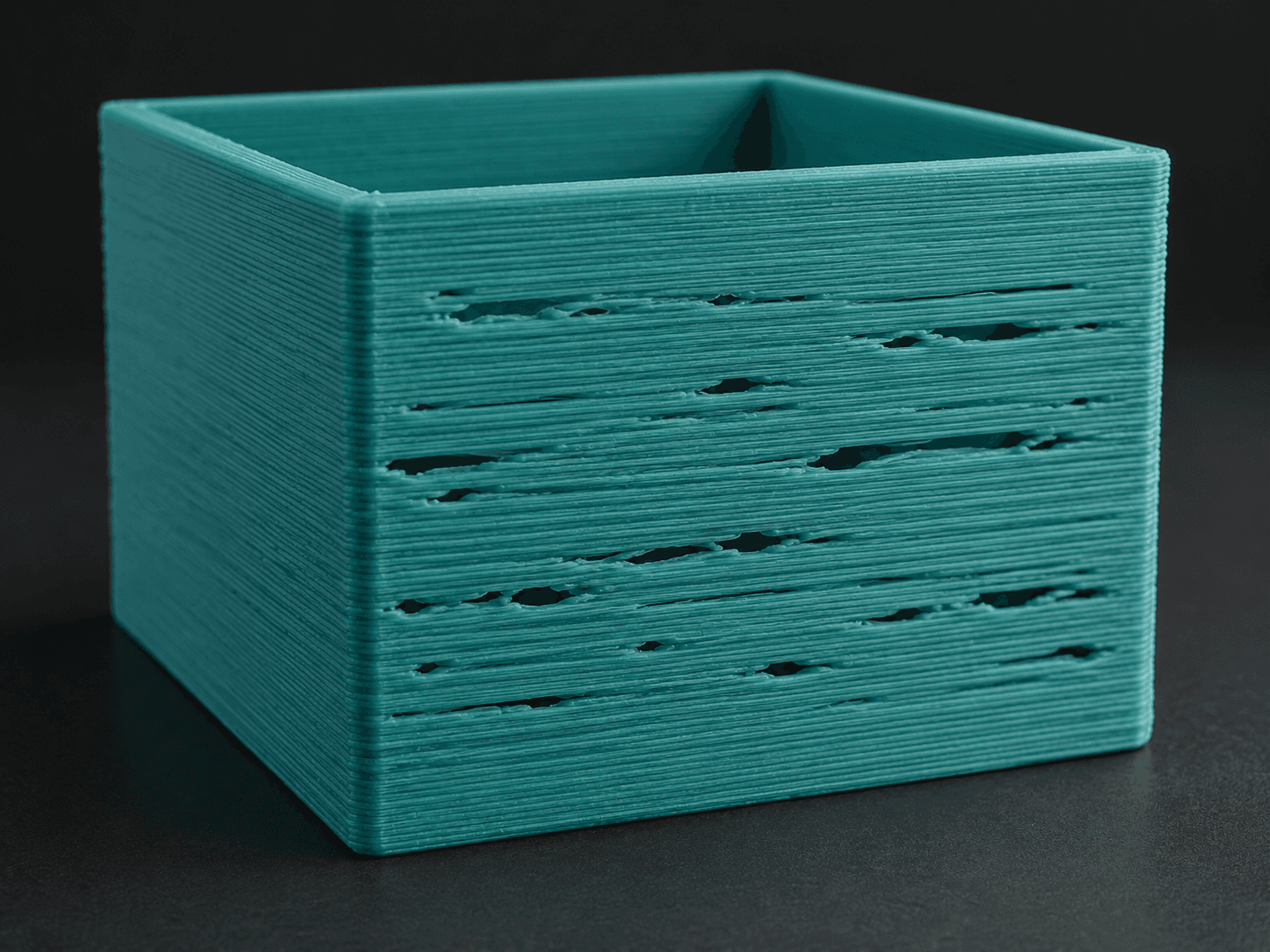
AI-generated illustration Gaps and thin, weak walls
Walls have gaps or look thin and patchy, and the top might have missing lines.
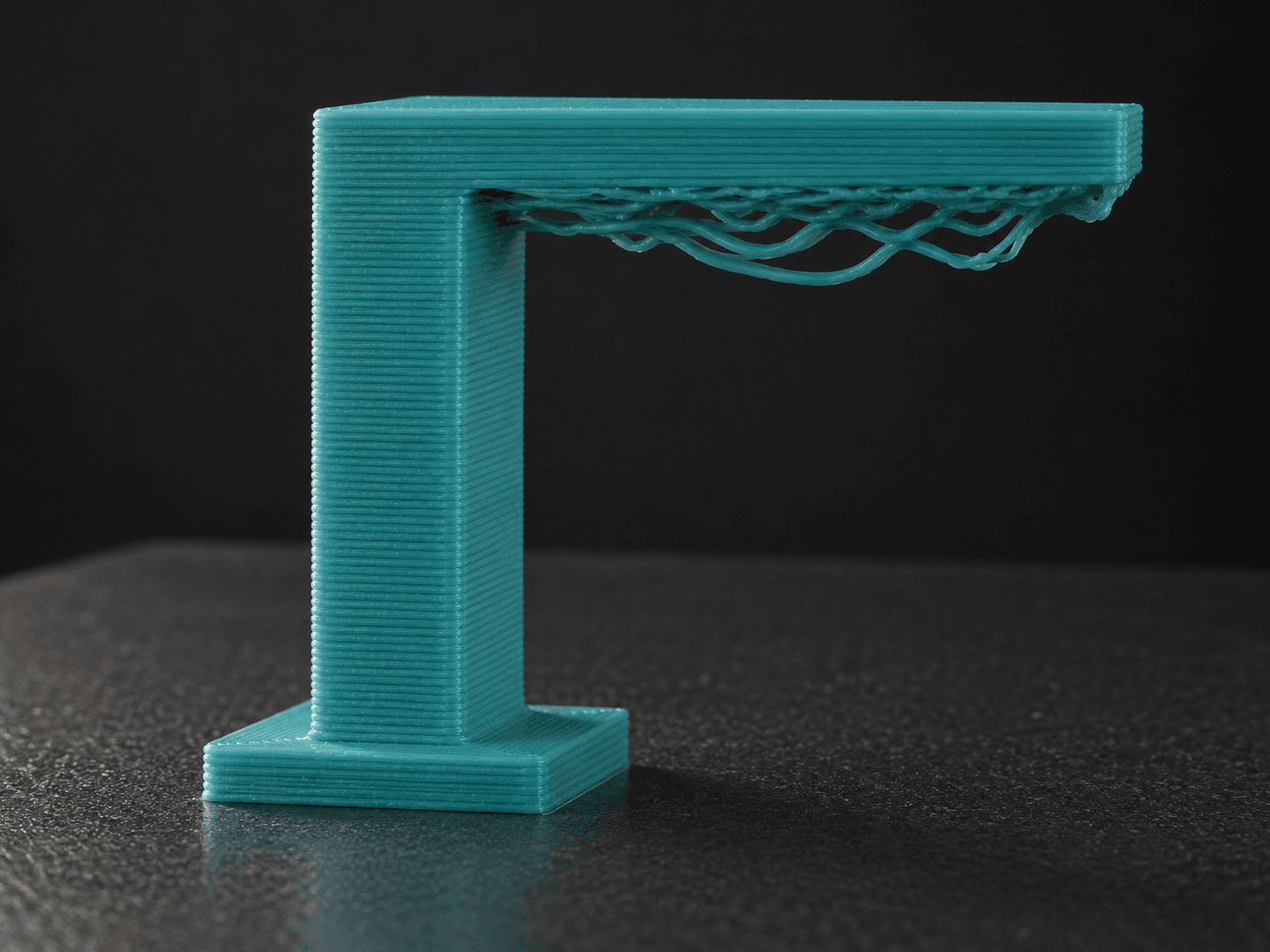
AI-generated illustration Droopy overhangs or supports falling over
Parts that stick out sag or droop underneath, or the thin support towers fall over partway through.
AI-generated illustration Layers shifted sideways
Partway up, the print suddenly jumps sideways, so it looks like a staircase.
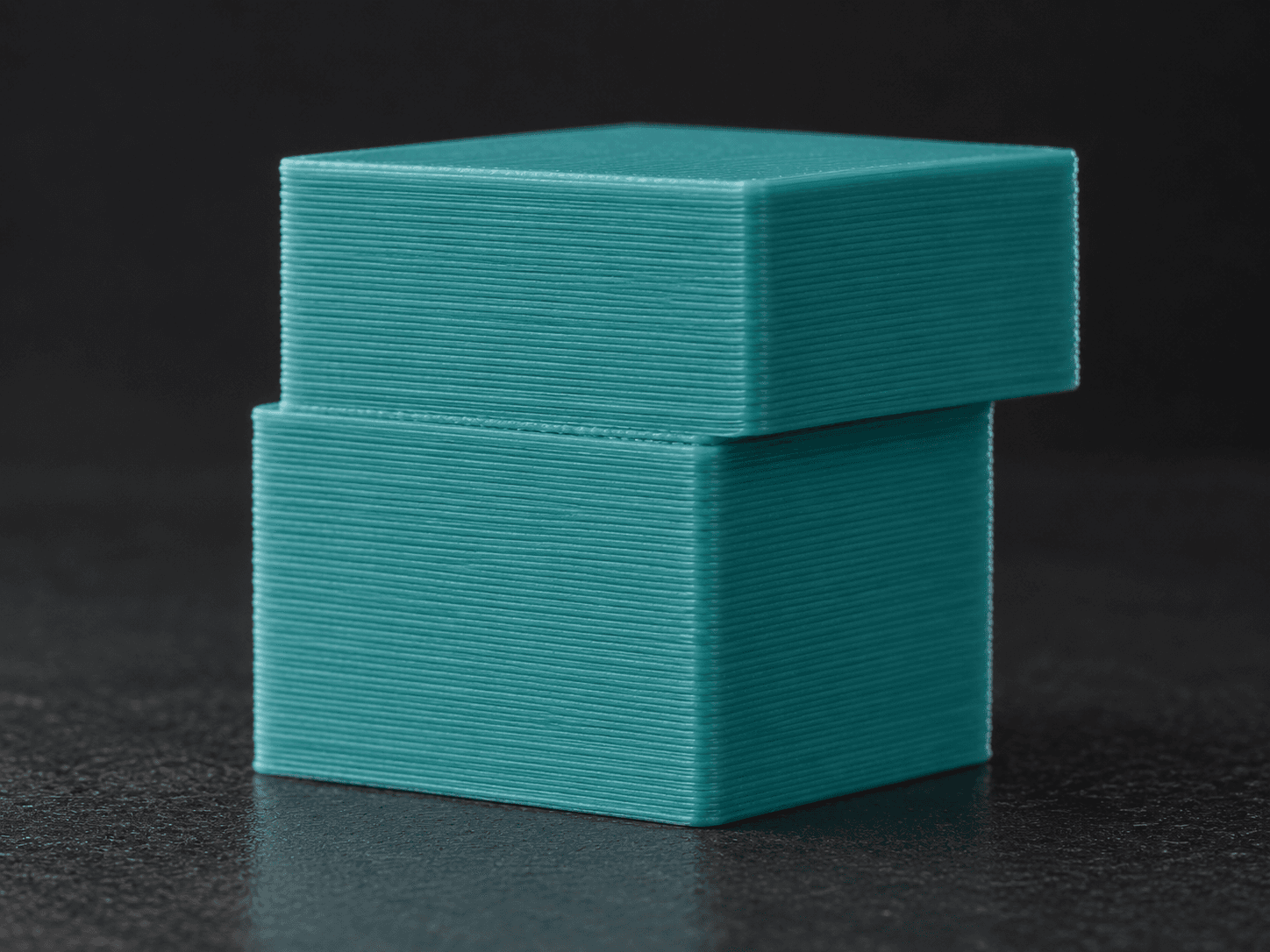
AI-generated illustration
Good to know
Short, honest FAQ
Is this really free?
Yes. Enter an email address and the full guide opens straight away, with a PDF download. There's nothing to buy.
Will you email me the guide?
No. No email is sent. Your address only records the guide request; the guide opens in your browser.
Will I get marketing email?
Only if you tick the separate, optional box. It's unchecked by default and you don't need it to get the guide.
Will these fixes work on my printer?
They're easy first checks for PLA on filament printers, not guaranteed fixes. Your printer's manual always comes first.